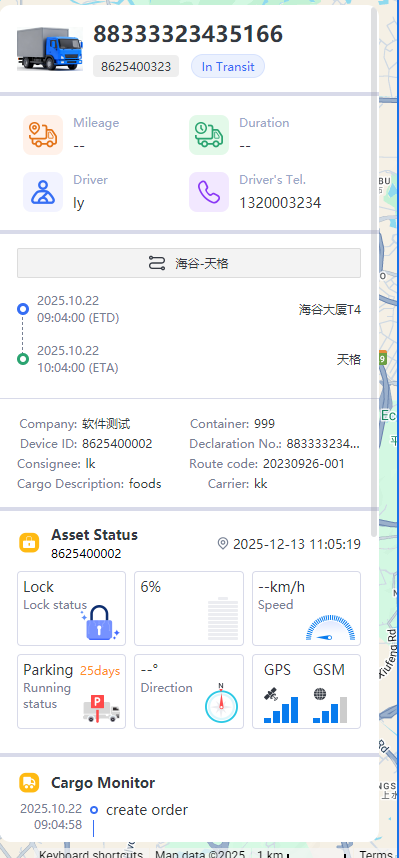
In-transit monitoring is the core tracking module of the transportation management system. It supports real-time location of waybills, comparison of planned/actual routes, and integration of information across the entire transportation chain, adapting to the visual monitoring needs of international cross-border transportation.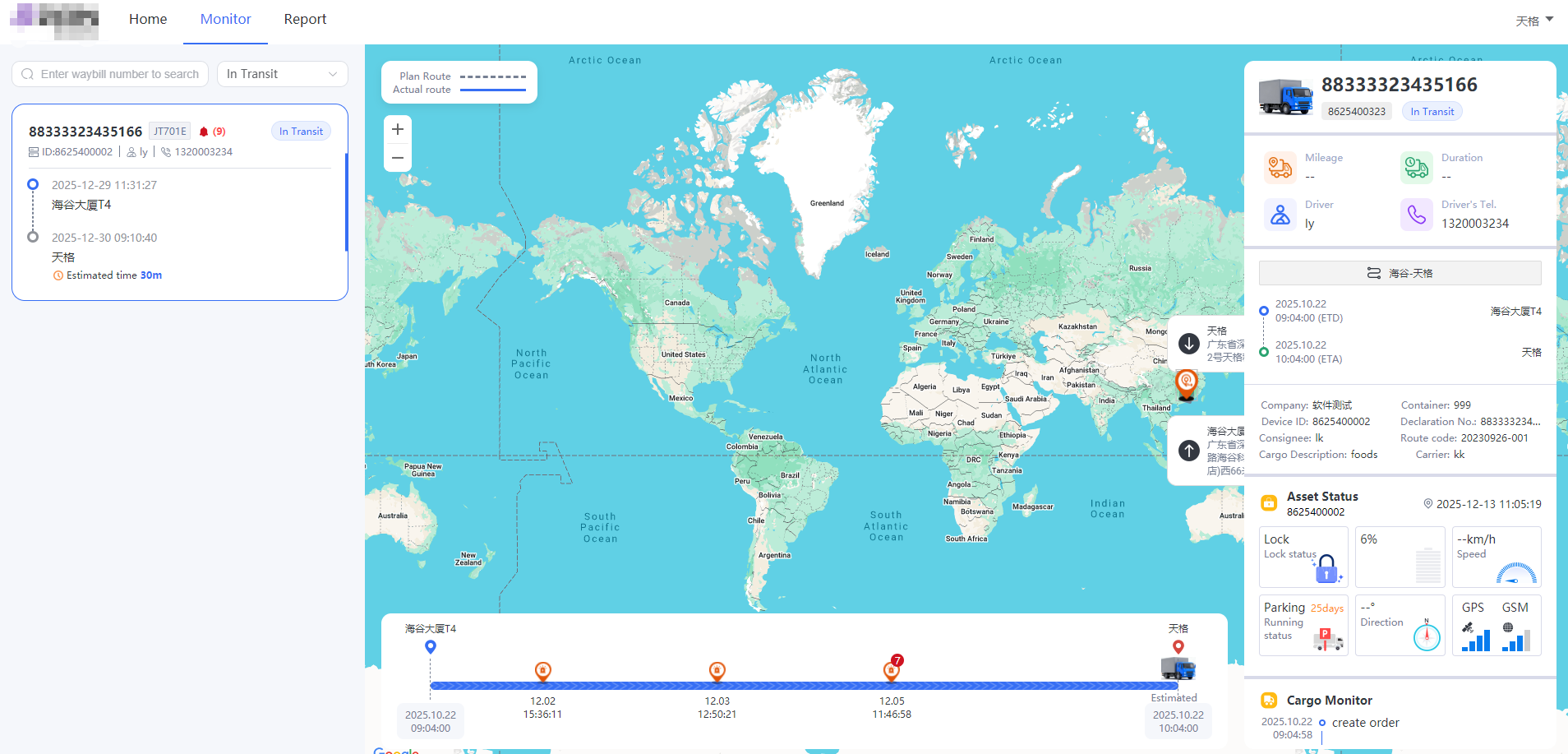
Interface Area and Operation Guide
The interface is laid out logically as “Filter - Map - Details,” conforming to the international user’s “left-to-right, from overview to detail” operation:
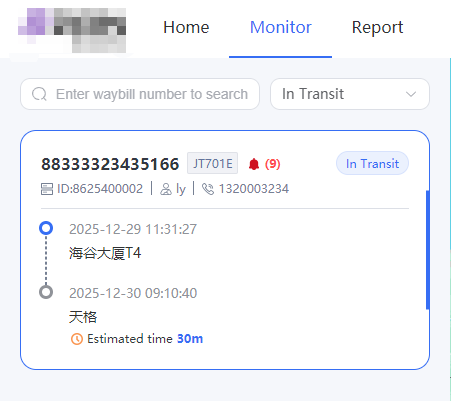
- Left Side: Waybill Filtering and Basic Information Area
Waybill Search: Enter the “waybill number” in the search box to accurately locate the target waybill;
Status Filter: Click the drop-down menu to select the waybill status (not dispatched / in transit / planned) to quickly filter waybills of the corresponding type;
Waybill Overview: Displays the key time points of the waybill (planned departure / arrival time), estimated time, and associated device ID and driver information.
- Center: Map Monitoring Area
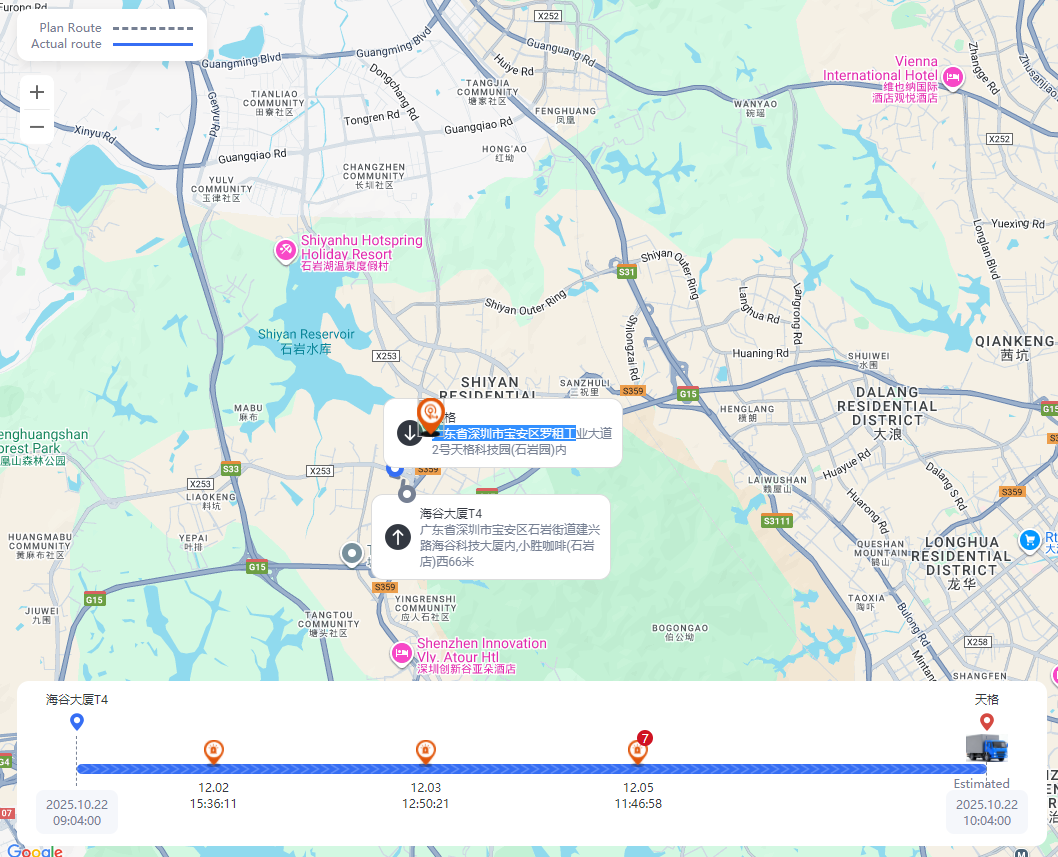
Route Comparison: Visually compare the planned route (dashed line) with the actual route (solid line) to identify transportation deviations;
Geographic Location Marking: The map displays the origin, destination, and current location of the waybill (supports cross-border visualization);
Location Details: Click on a marker on the map to view the specific address information for that location.
- Right Side: Waybill Details and Event Area
Core Data Panel: Displays key business data such as cumulative transportation mileage, duration, driver information, and equipment ID;
Time Node Records: Presents events throughout the transportation process (such as “Order Creation” and “Departure from Origin”) and their corresponding times;
Business Information Integration: Includes business details such as company name, waybill number, and cargo description, enabling one-stop information viewing.