Function Overview
The homepage is the core data dashboard of the system, which centrally displays the status of waybills, geographical distribution and statistical data, supports quick search and status filtering, and is adapted to the global operation monitoring needs in international logistics scenarios.
Interface Area Division
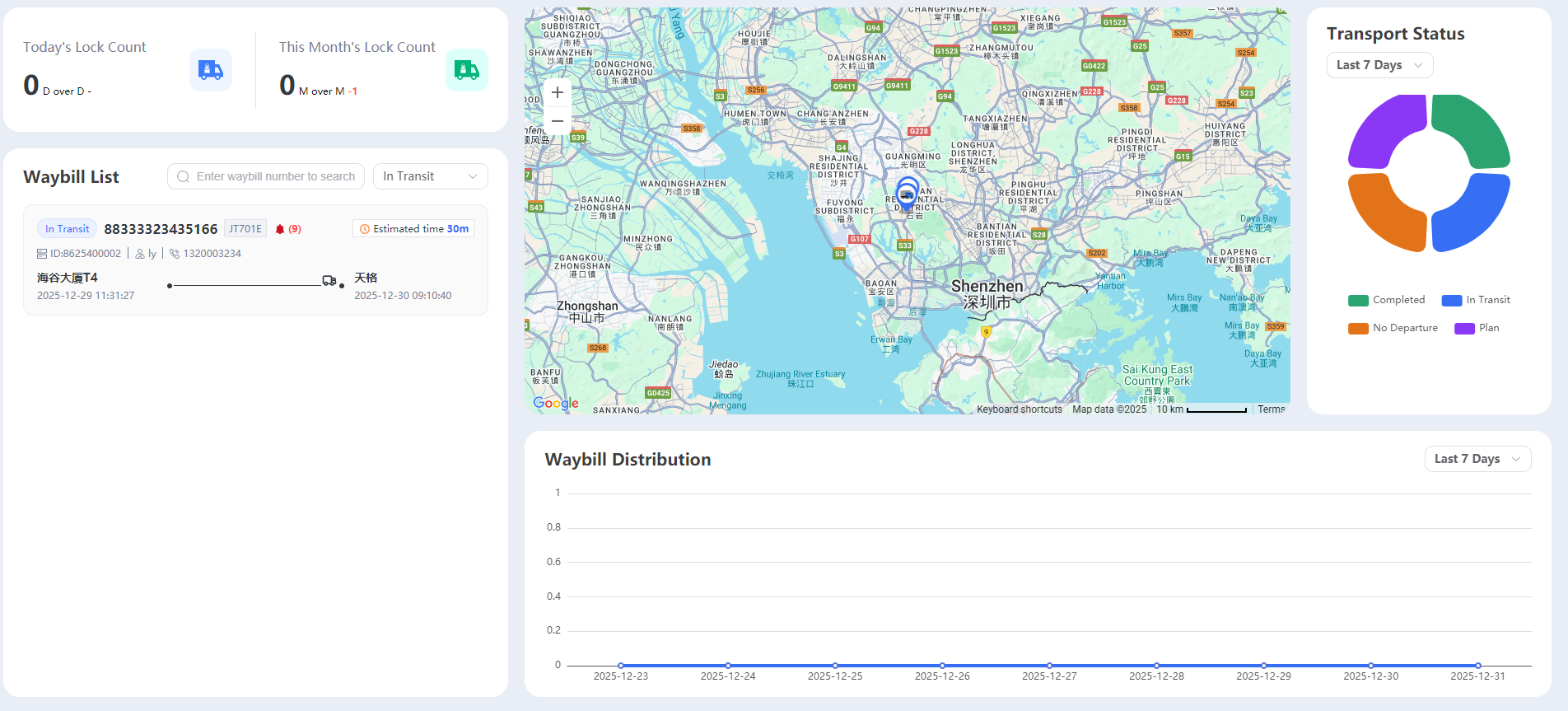
The homepage is divided into 4 core functional areas, with a layout that conforms to the international user’s “left-to-right, top-to-bottom” distribution:
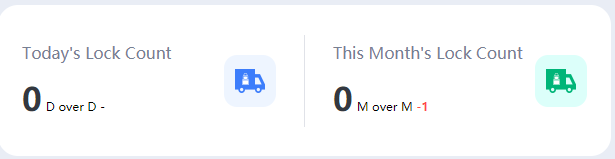
- Top Data Overview Area: Displays the number of locks received today/this month and month-on-month changes.
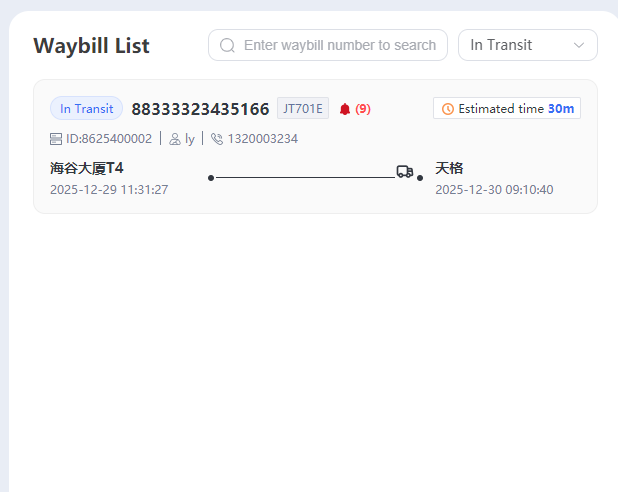
- Left-hand waybill list area: Displays basic information and status of all waybills.
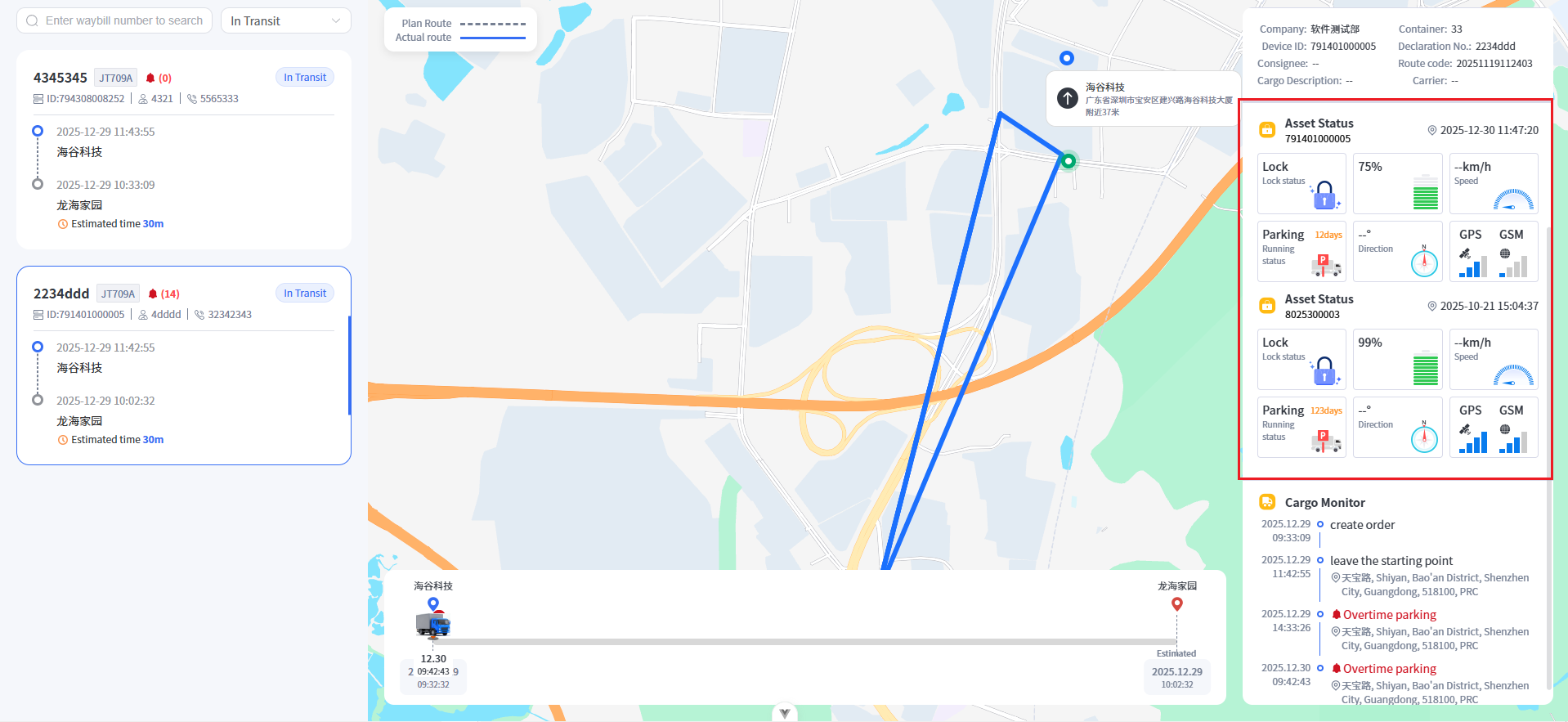
Middle Map Monitoring Area: Visualizes the real-time geographical location of waybills.
Right/Bottom Statistics Area: Includes waybill status percentages and waybill distribution map.
Core Operation Guide
Top Data Overview: View “Today’s Number of Locks Arrived” and “This Month’s Number of Locks Arrived,” and their corresponding month-on-month changes (e.g., “Compared to Yesterday -1,” “Compared to Last Month +6”) to quickly grasp core business metrics.
Waybill List Management
Search Waybills: Enter the waybill number in the “Please enter the waybill number to search” input box to accurately locate the target waybill;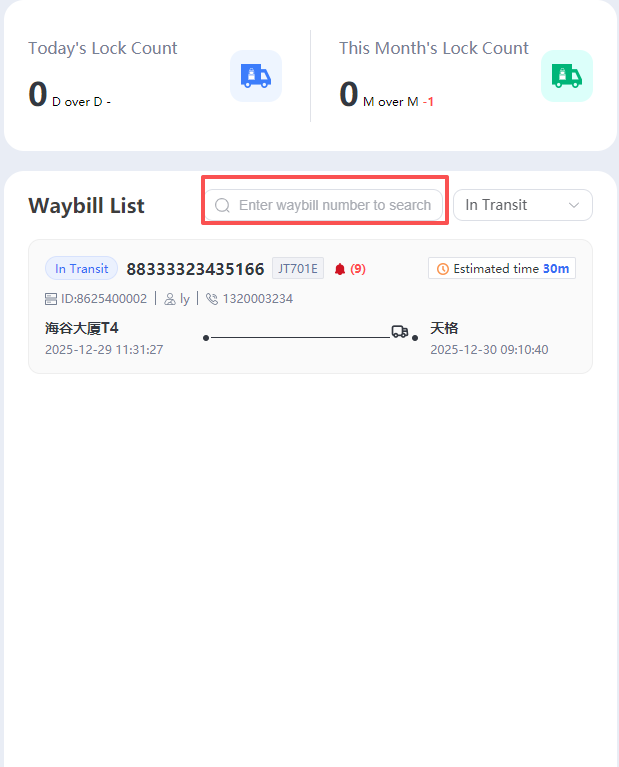
Filter status: Click the drop-down menu (default display is “Not dispatched”) to select other waybill statuses (such as dispatched, completed) and filter out the corresponding type of waybill;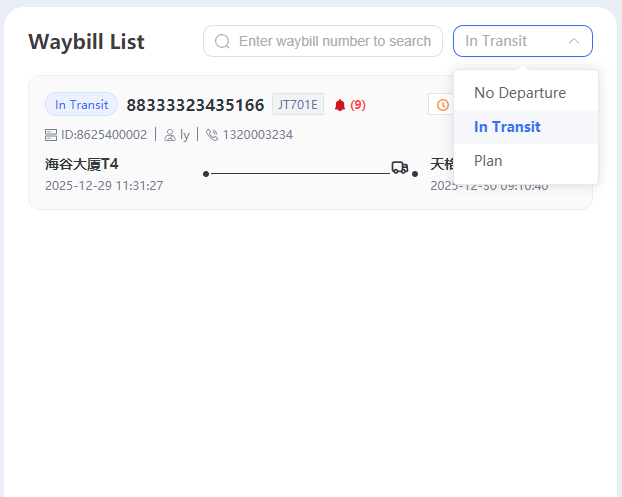
Map Monitoring: The map displays the real-time geographical location of the vehicle/goods corresponding to the waybill. Clicking on the marker on the map
Supports switching map types (Baidu Maps / Google Maps) in the upper right corner to adapt to different regional map usage habits.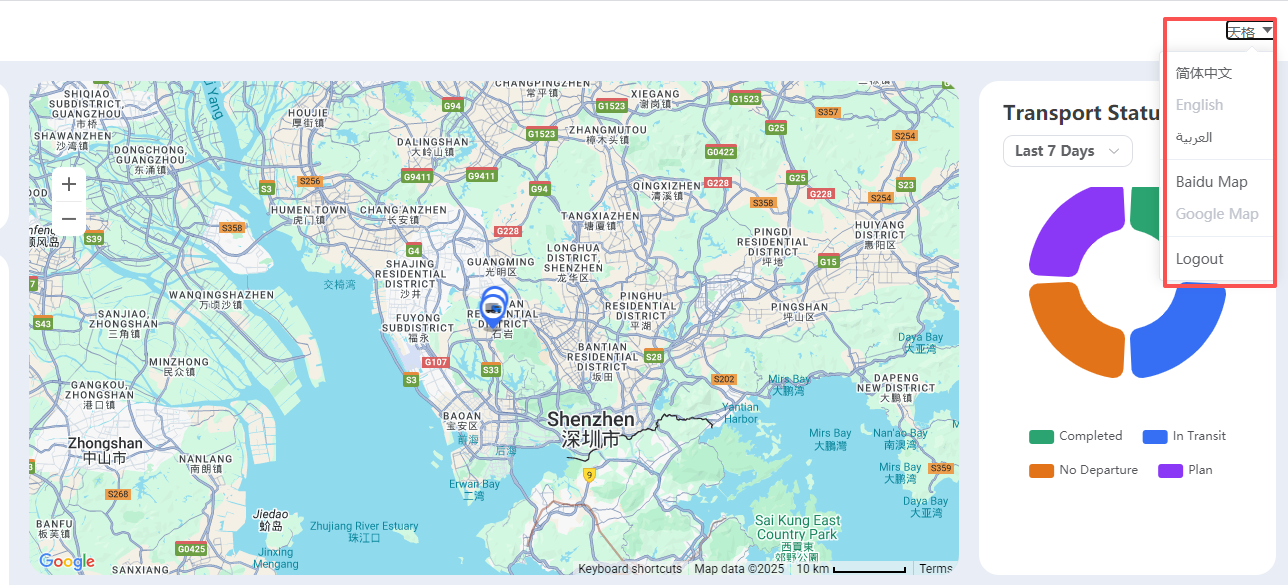
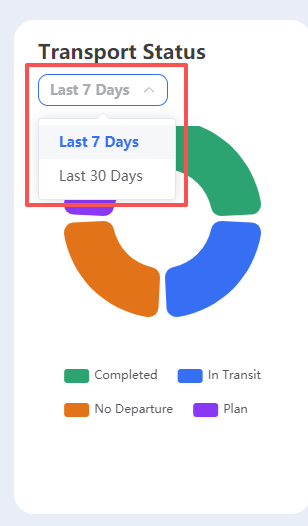
Statistical Analysis: Waybill Status Percentage (Right Side): Visually view the percentage of “Completed / In Transit / Not Dispatched / Scheduled Orders” using a pie chart. Waybill Distribution Chart (Bottom): View the trend of waybill quantity changes over the most recent 7/15 days (adjustable time range) using a line chart to assist in operational decision-making.
Top right corner function menu: Language switch: Supports “Simplified Chinese / English / Arabic”, suitable for international multilingual teams; Logout: Click “Logout” to securely exit the system.