Site management is primarily used to manage and maintain site information in customs supervision operations: it supports adding, modifying, viewing, and deleting sites. The list displays key information such as company name, site name, contact information and telephone number, site style, associated charging cabinets, radius information, and address.
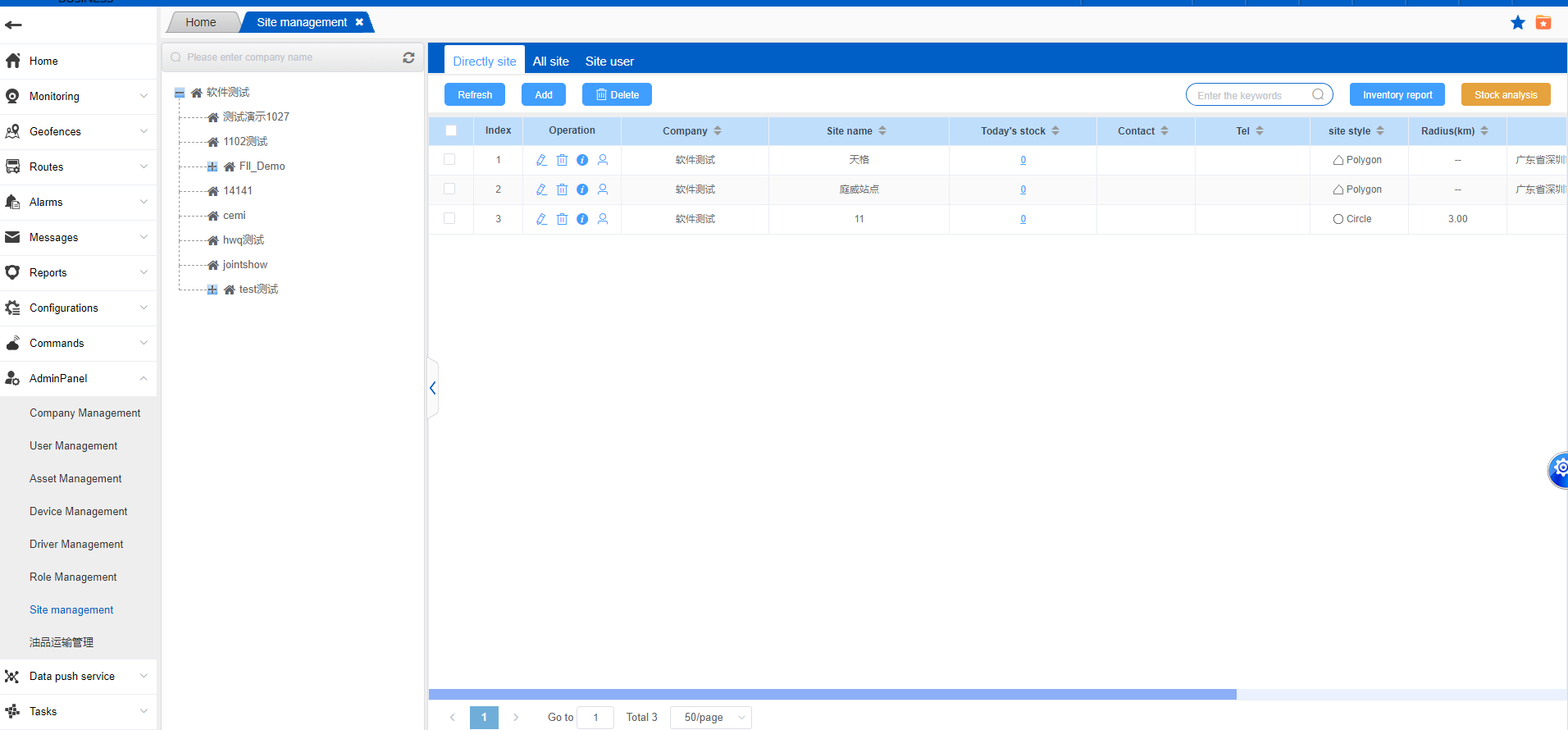
- Add: Select the company and click the Add button. The page will redirect to the Add page.
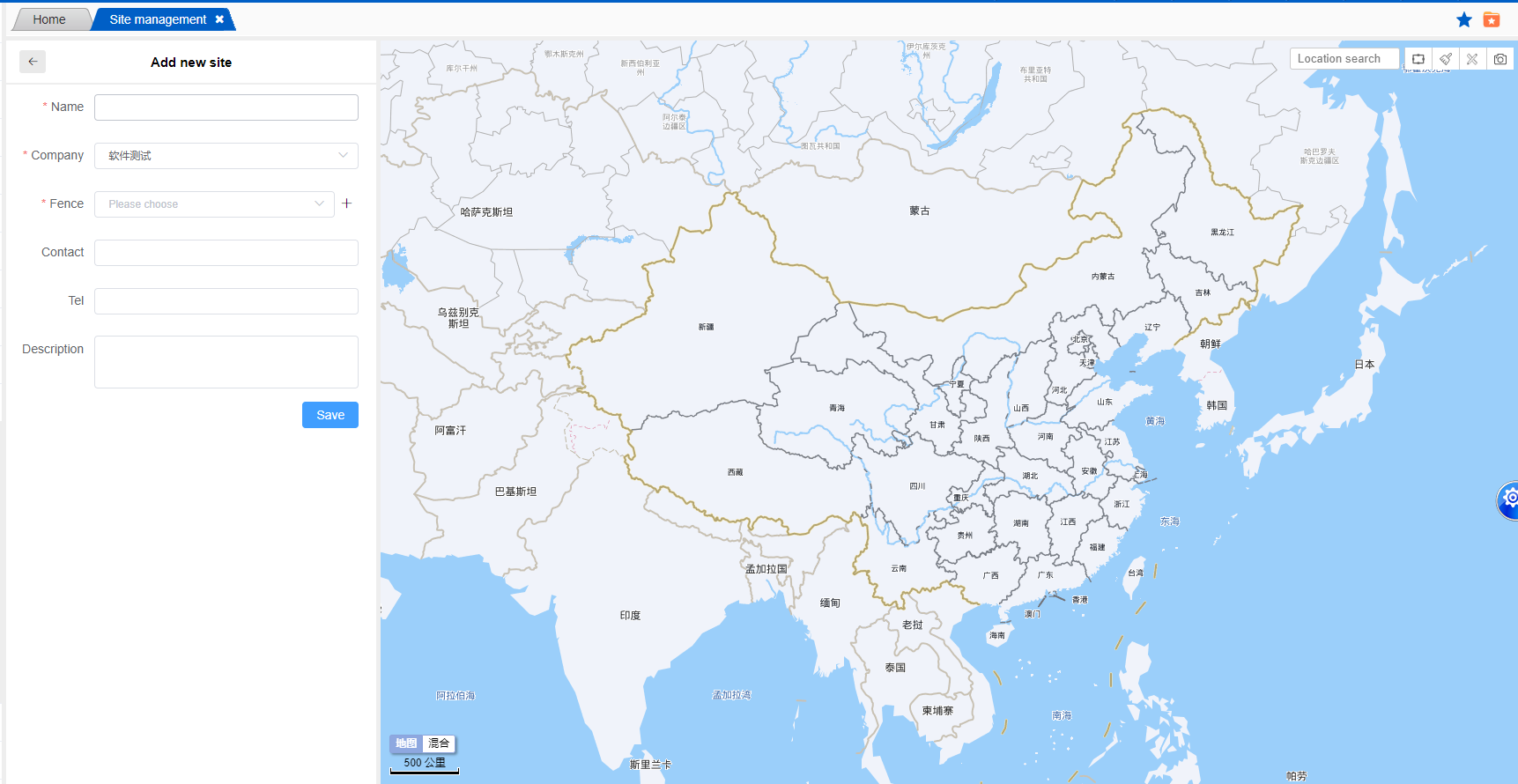
After the page redirects, the area of the site will be roughly determined in the upper right corner of the map and a fence will be drawn. Enter the site name, select the company to which the site belongs from the drop-down menu, and draw the fence. The fence can be circular or polygonal. Except for the required fields, other options can be filled in or saved. Once saved, the site will be successfully added.
- Edit: Click the same edit button to modify the site information.
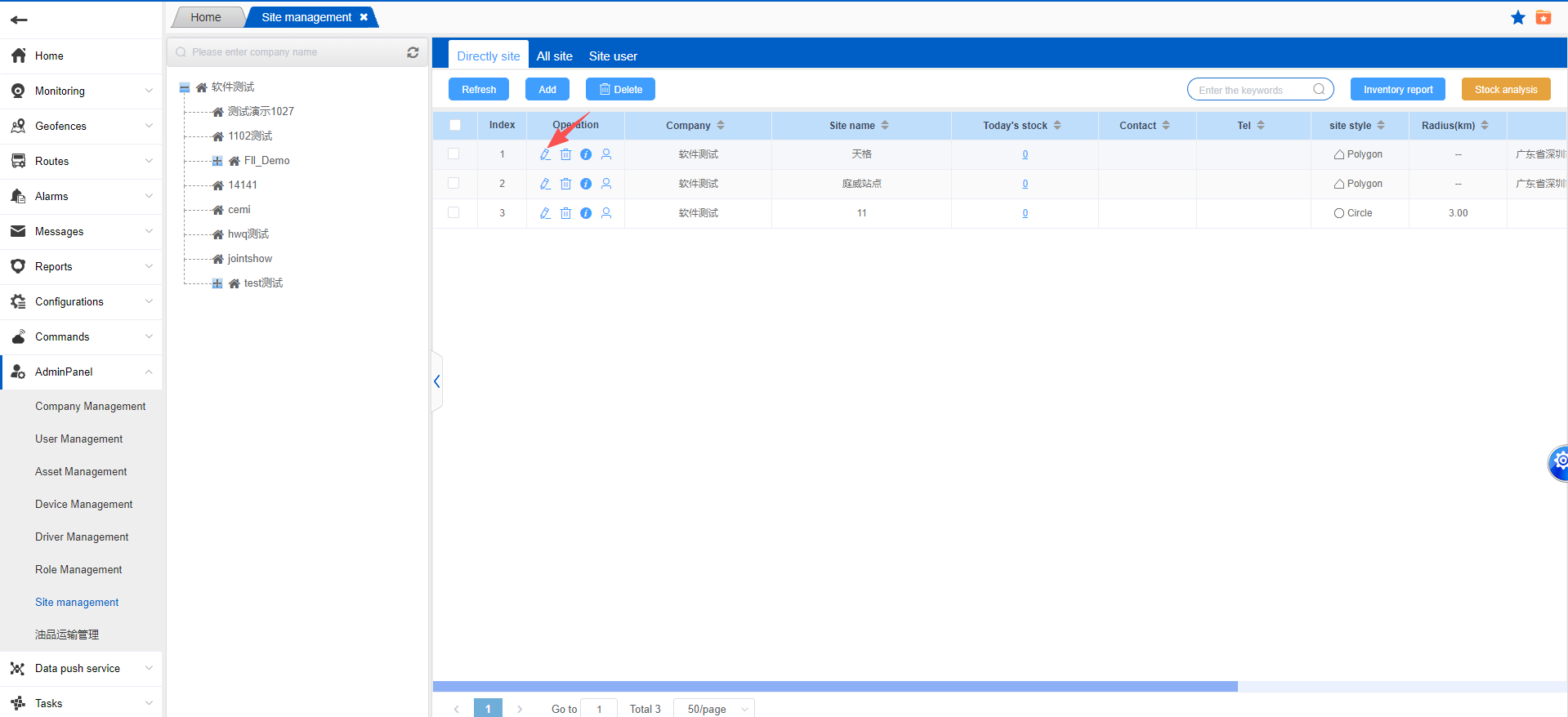
- Deletion: If there are charging cabinets associated with this site, the charging cabinets created under this site will also be deleted after the site is deleted. Please operate with caution.
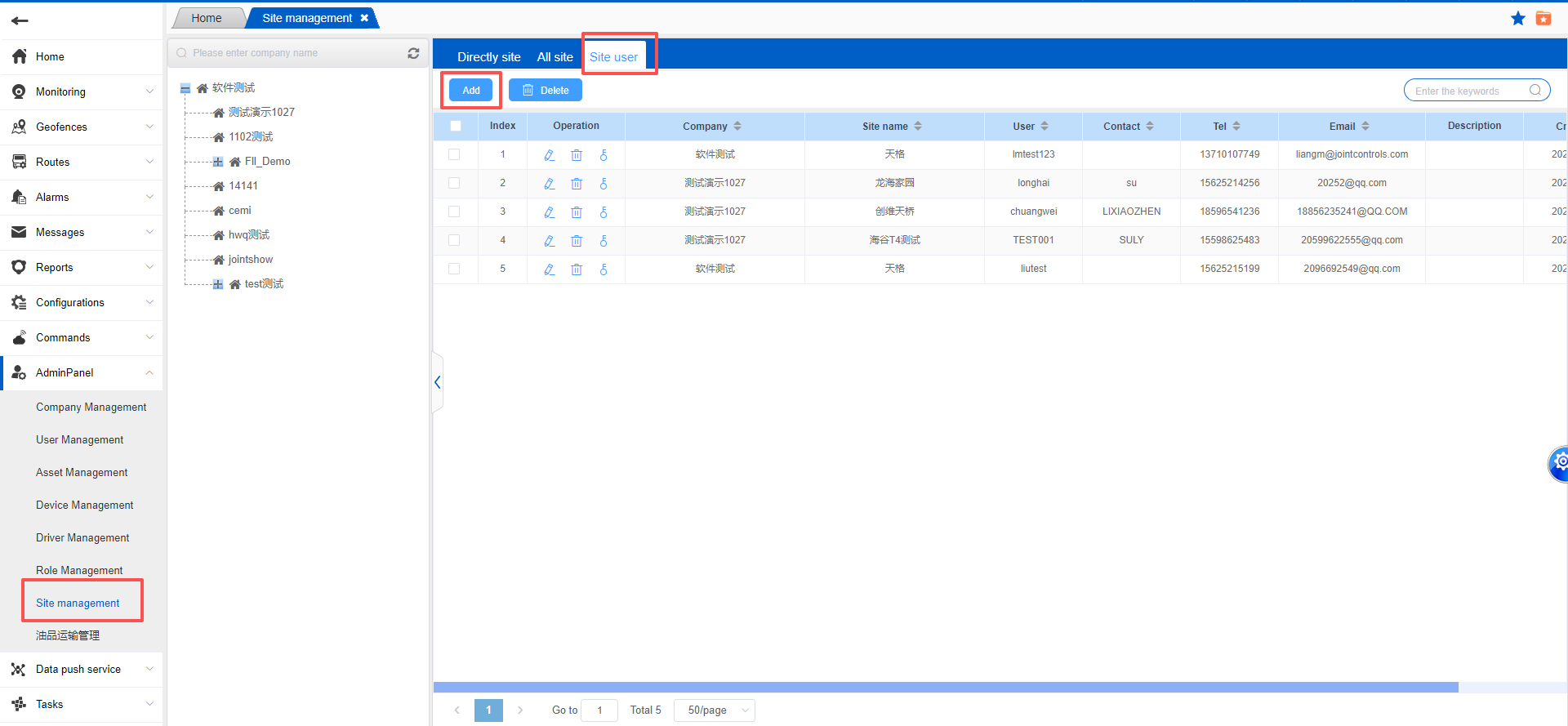
Create and manage site users
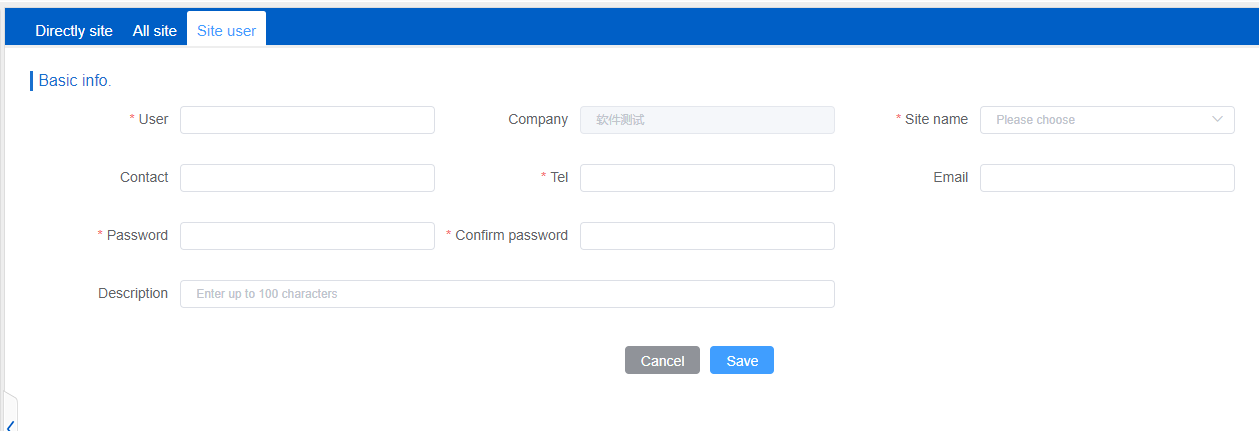
Add: Select the user and click the Add button. The page will redirect to the Add page.